Mydlink Home App
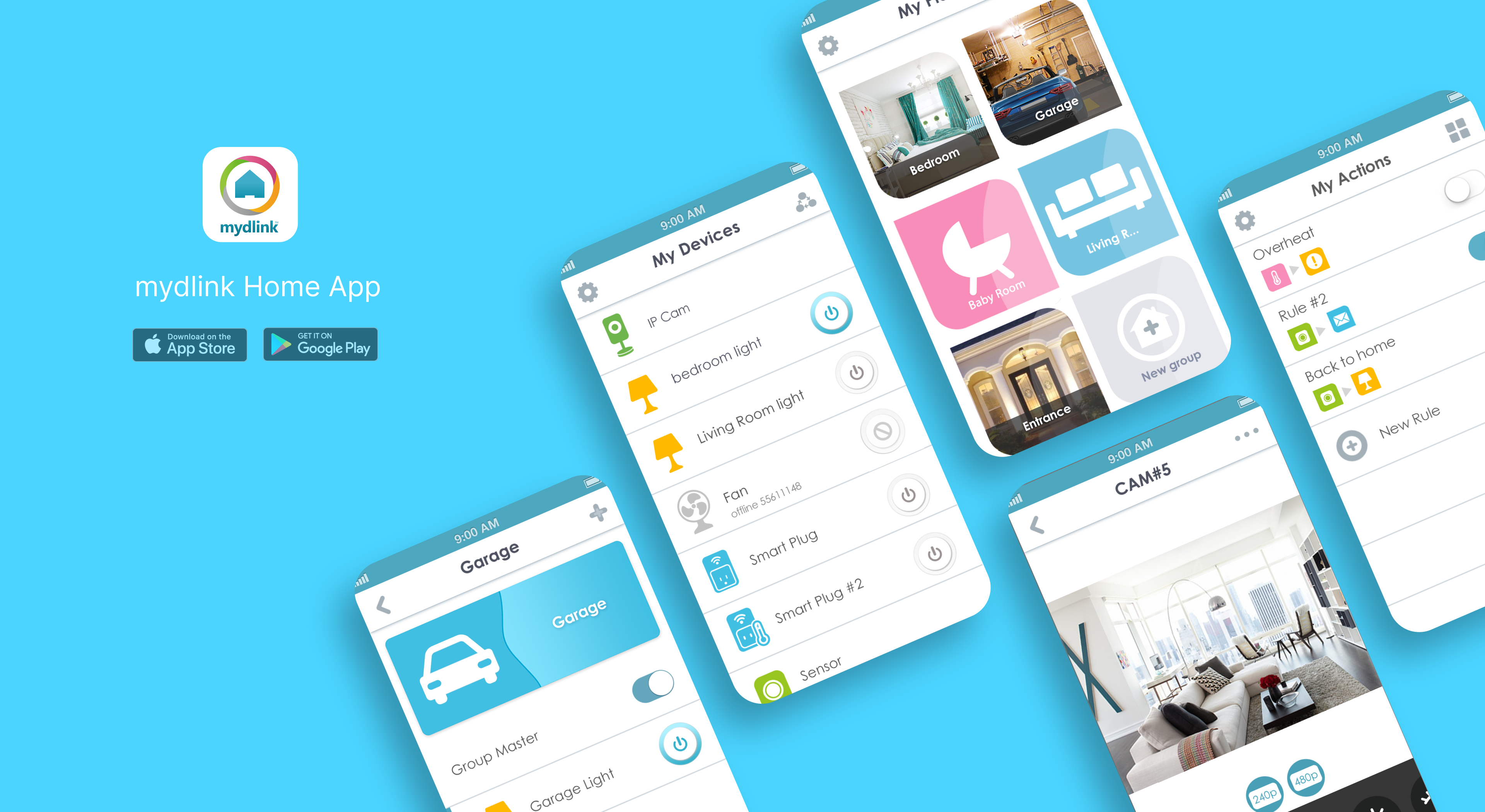
Each D-Link product has its own independent App. With the advent of a new era of cloud and IoT, we hope that users who buy any D-Link product only need to download an App to integrate all device information, and the idea of a smart home is born accordingly.
• More than 127 sales offices
• More than 56 countries: Including Taiwan, the United States and Canada, Europe, Australia, India, Singapore, the Middle East (Dubai), Latin America, Brazil, Russia and China.
TIMELINE
- 2013/12 ~2015/3
- 15 months
TEAM
- 4 PM
- 1 PD (I'm here!)
- 2 FE
- 2 BE
- 3 QA
ROLE
- Wireframe
- Mockup
- User test
TOOLS
- Photoshop
- Illustrator
Brief
This project was initiated by my PM lead. At the beginning, the company’s technology, cloud, and app teams were developing independently, with little system integration. To provide users with a more intuitive way to manage their smart home devices, we set out to build an app that could connect them all together. In this project, D-Link developed a central Hub that links various devices and introduced the HNAP protocol, enabling seamless communication among three major types of devices — Wi-Fi, Socket, and Z-Wave. My role was to design a user experience that allows people to control their entire smart home with just one phone and one app. This was not just an interface integration, but a large-scale collaboration across technologies and teams. Thanks to the joint efforts of PMs, designers, and engineers, we gradually turned what once seemed impossible into reality.
Research
Problem & Needs
There is no unified specification and language for each product line.
Each product line develops apps with similar functions but different styles
Refine Goals
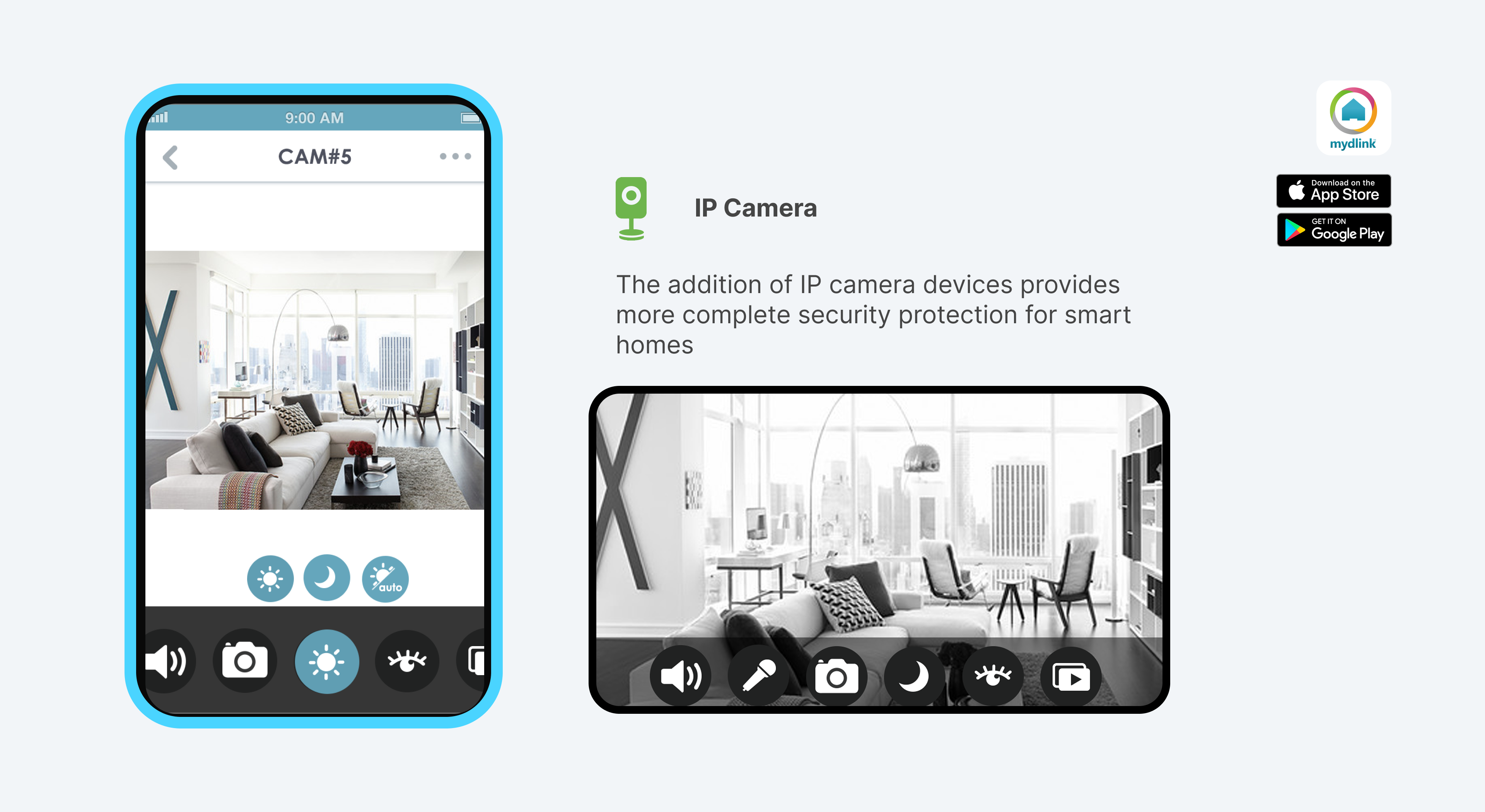
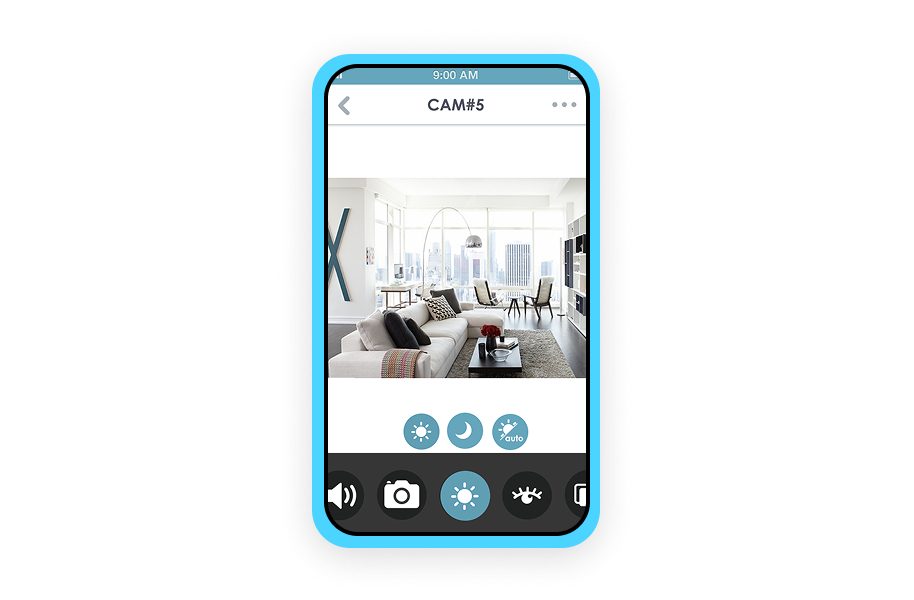
Control and monitor all your mydlink connected home devices with your smartphone or tablet.
With its intuitive user interface, you can instantly see the status of all your mydlink connected home products and set up rules for interaction between multiple devices, such as PIR motion sensors and smart plugs or window sensors and sirens.
Integrated
communication
language
- Develop a protocol for device communication and establish a cloud
- Home Network Administration Protocol
Clear and simple
interface
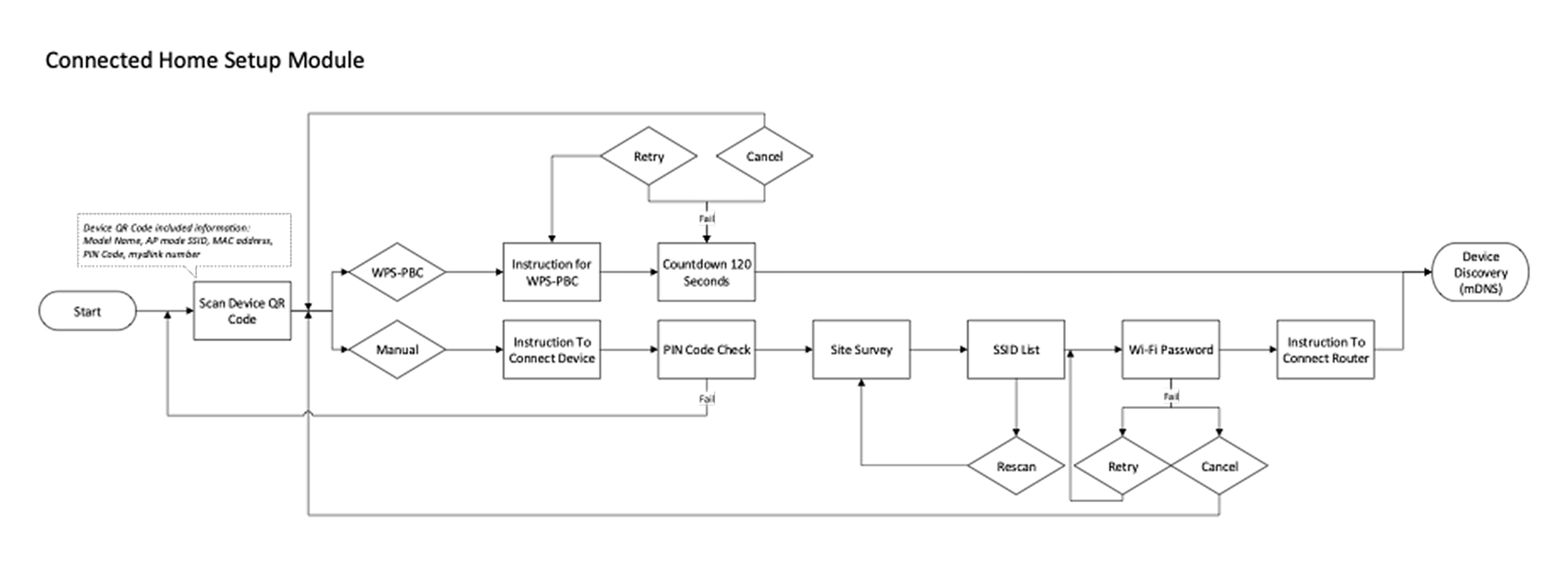
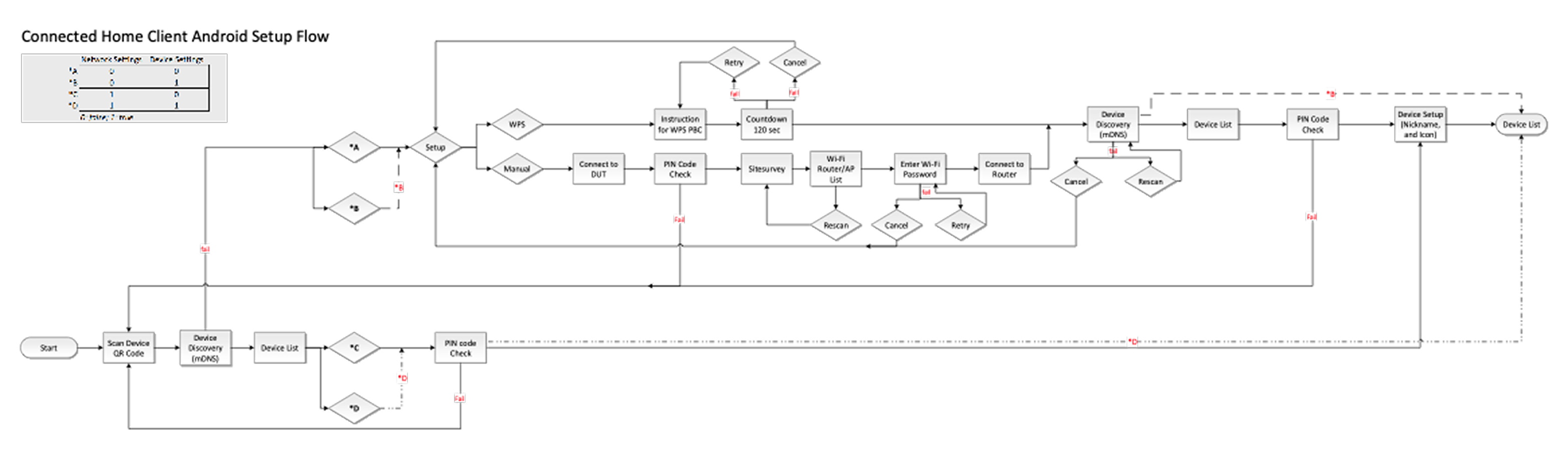
- Clear and graphical installation steps
- Flat Icon and bright Design Style
Support for
various
technologies
and devices
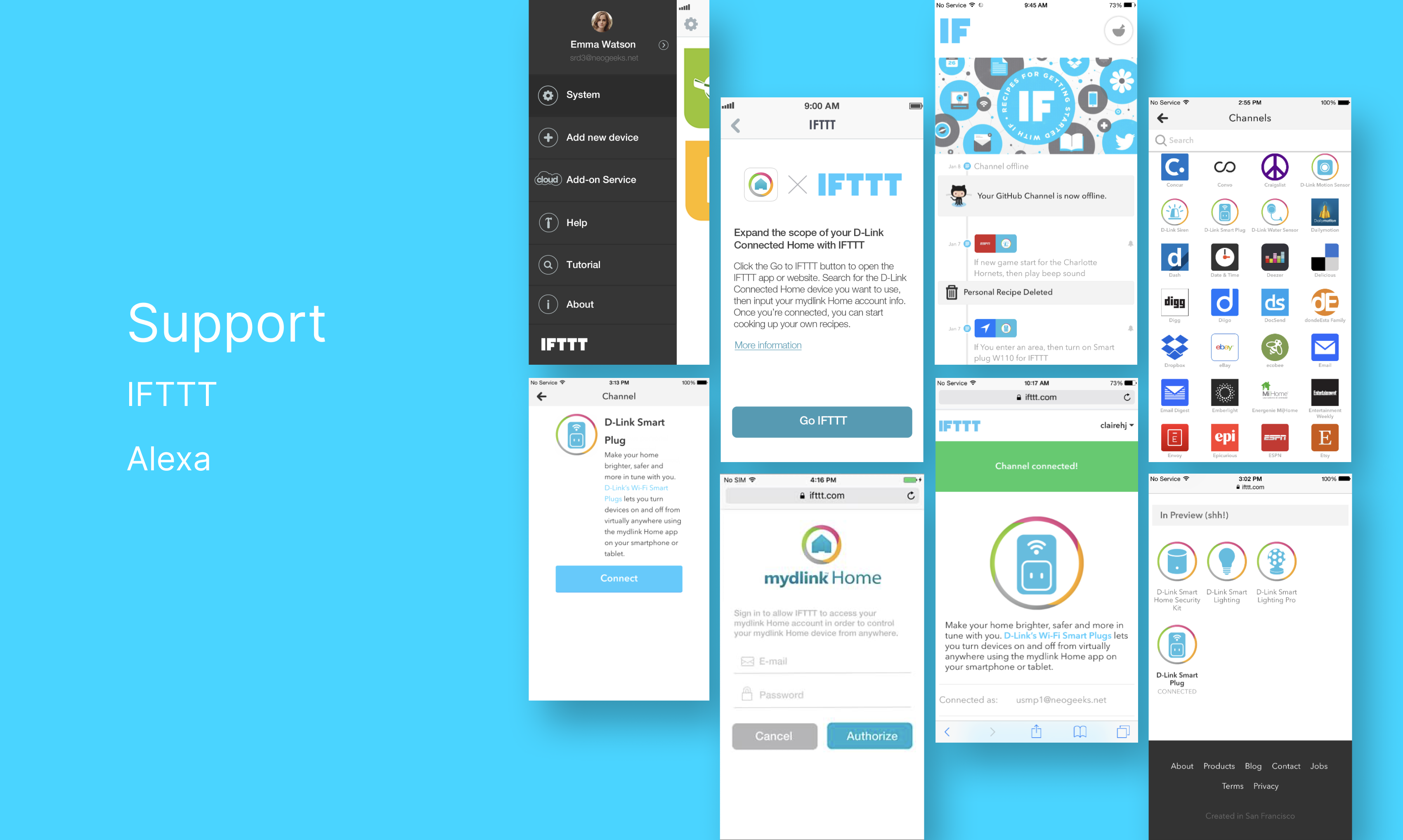
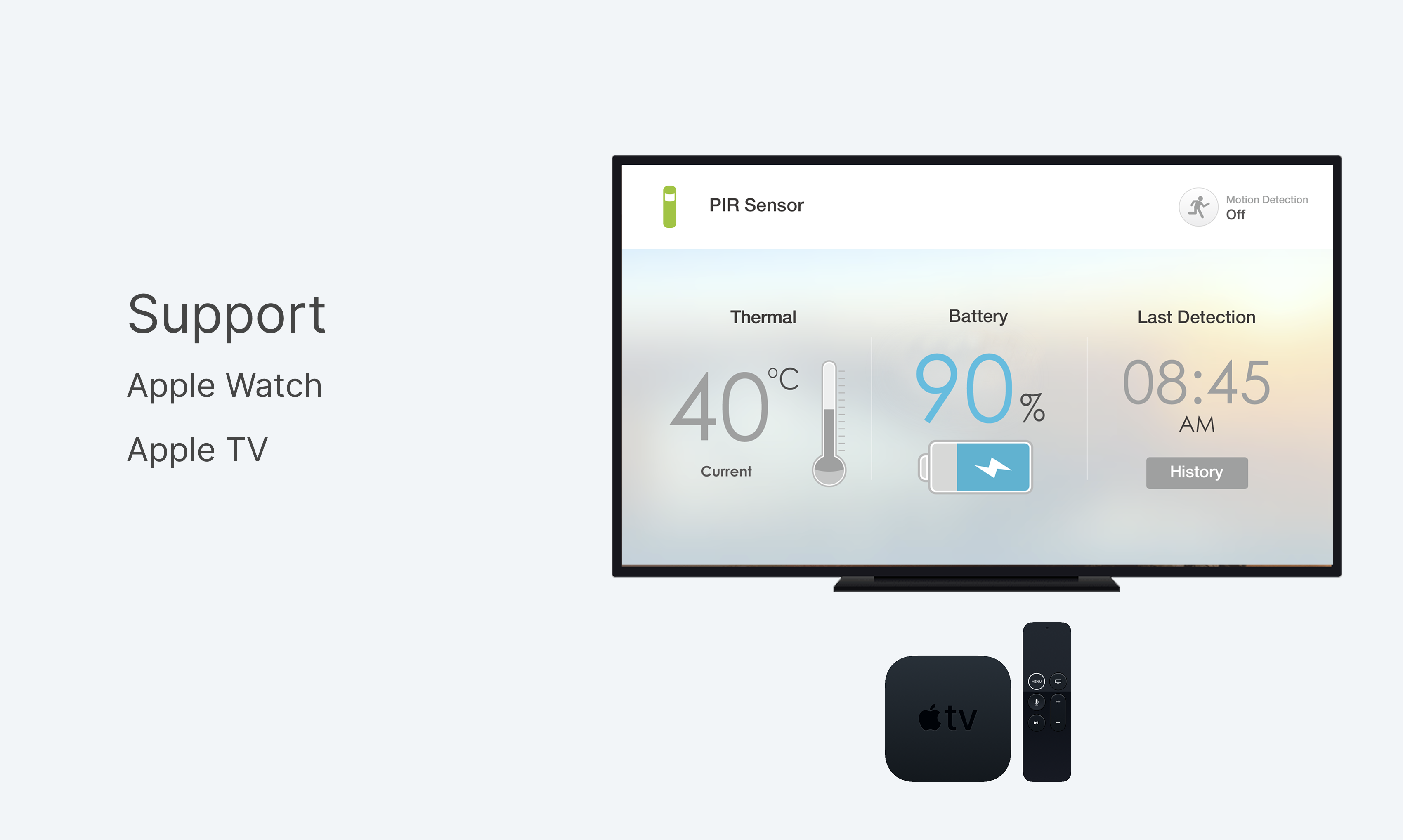
- Support apple watch, apple TV, IFTTT, Alexa
Information Architecture
What We Did
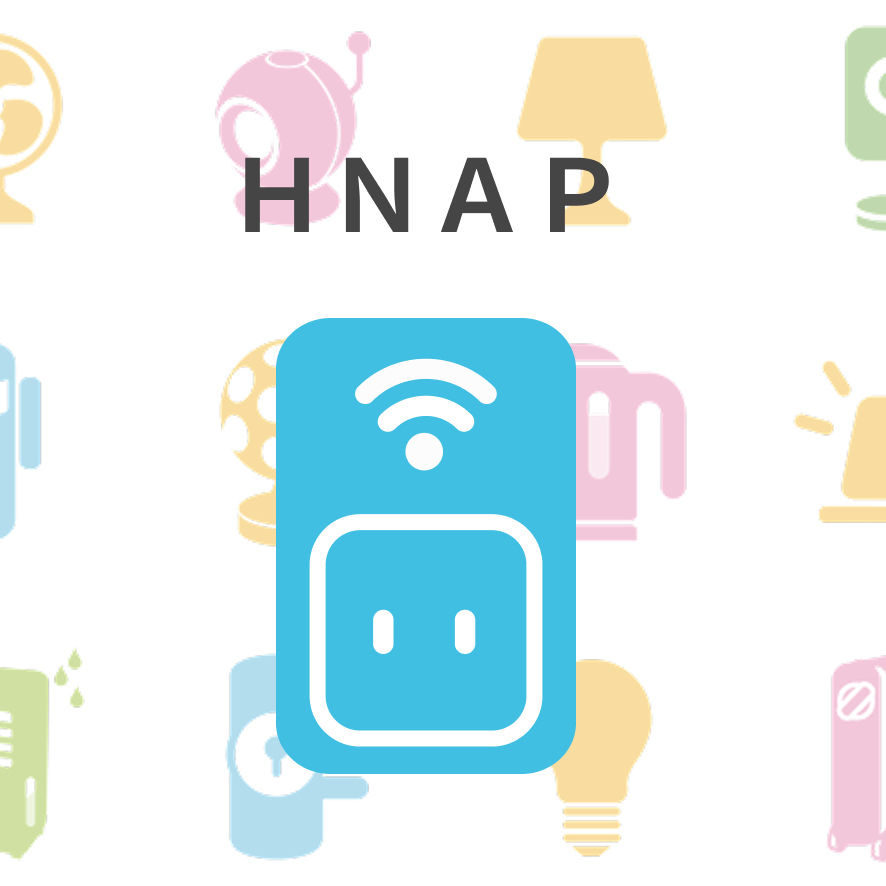
Integrated communication language
Home Network Administration Protocol
Devices: Smart Plug, IP Camera, Z-wave Devices, Router, Light Device, VOC, thermostat ...etc
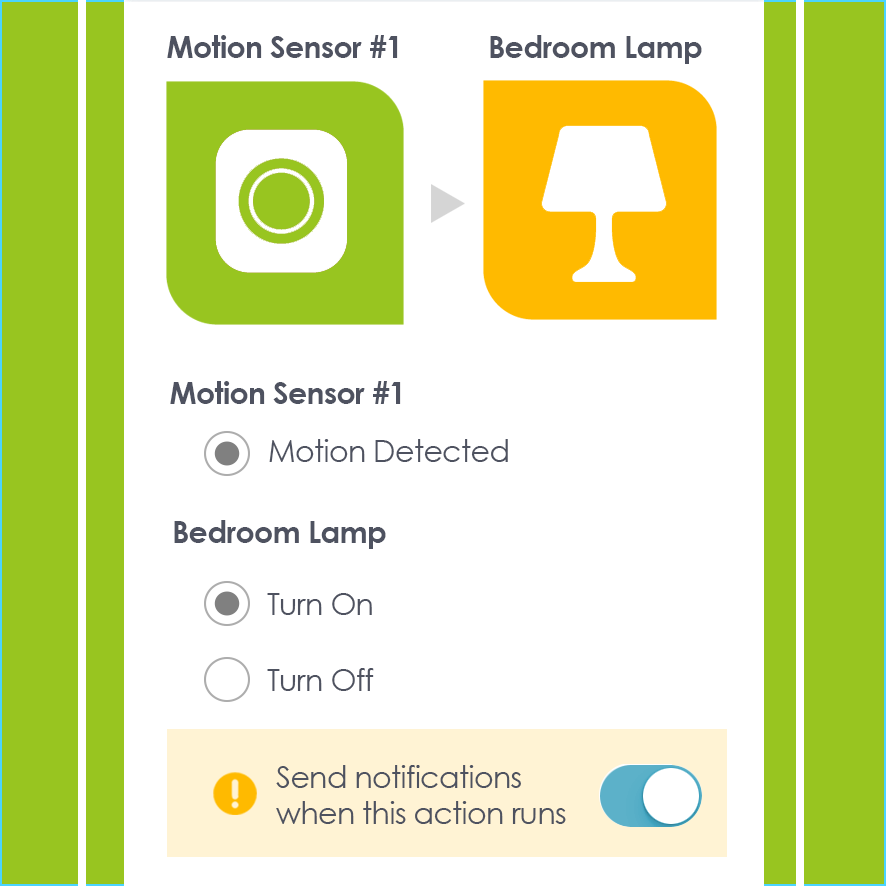
IoT Smart Home
Users can customize Policy, Scene, let the device trigger the device, and store the data in the cloud
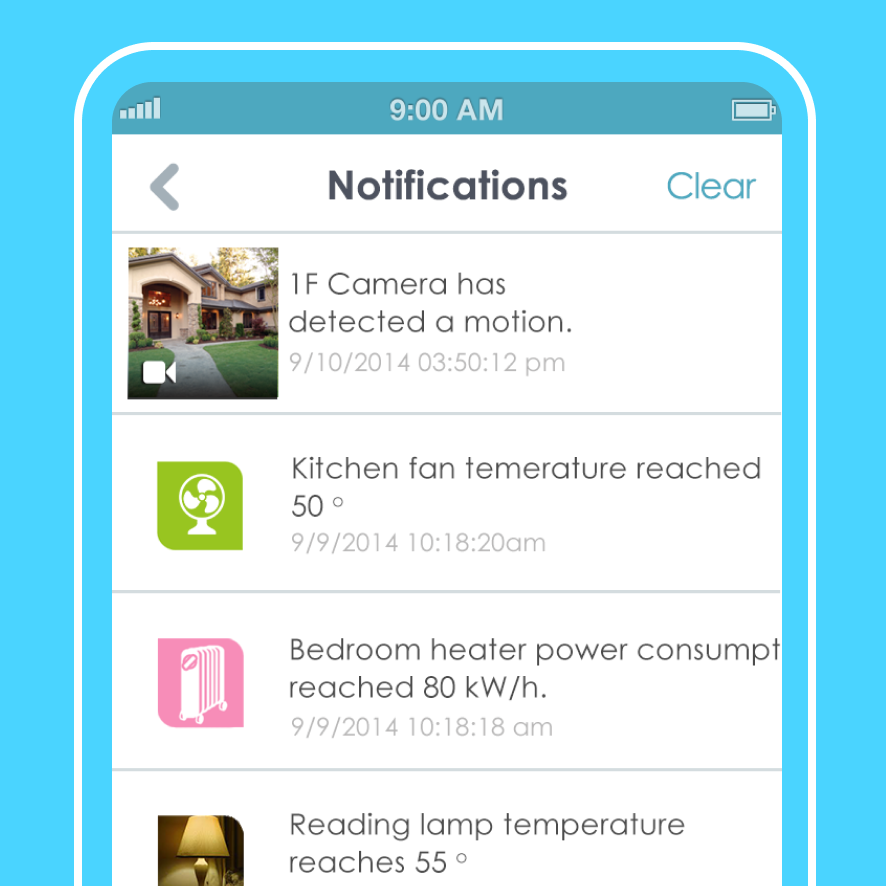
Push Notification & Cloud Server
Send instant notification when events
Save history and video clips in the app
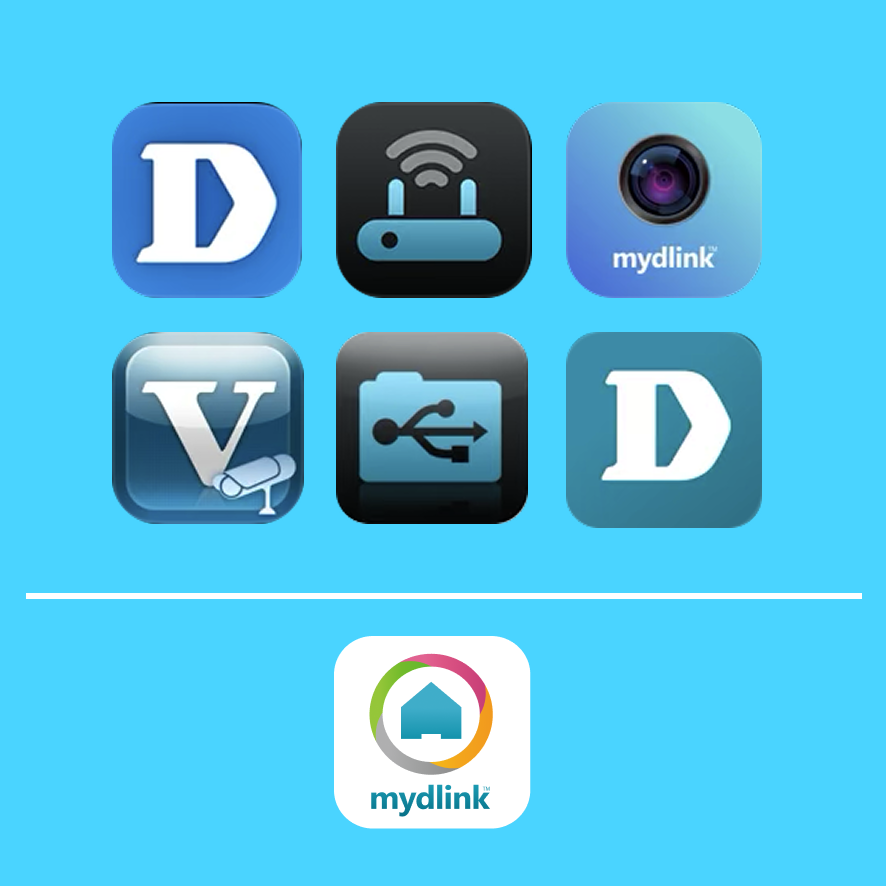
Unify one App, one installation process
Unified design style, installation process and settings
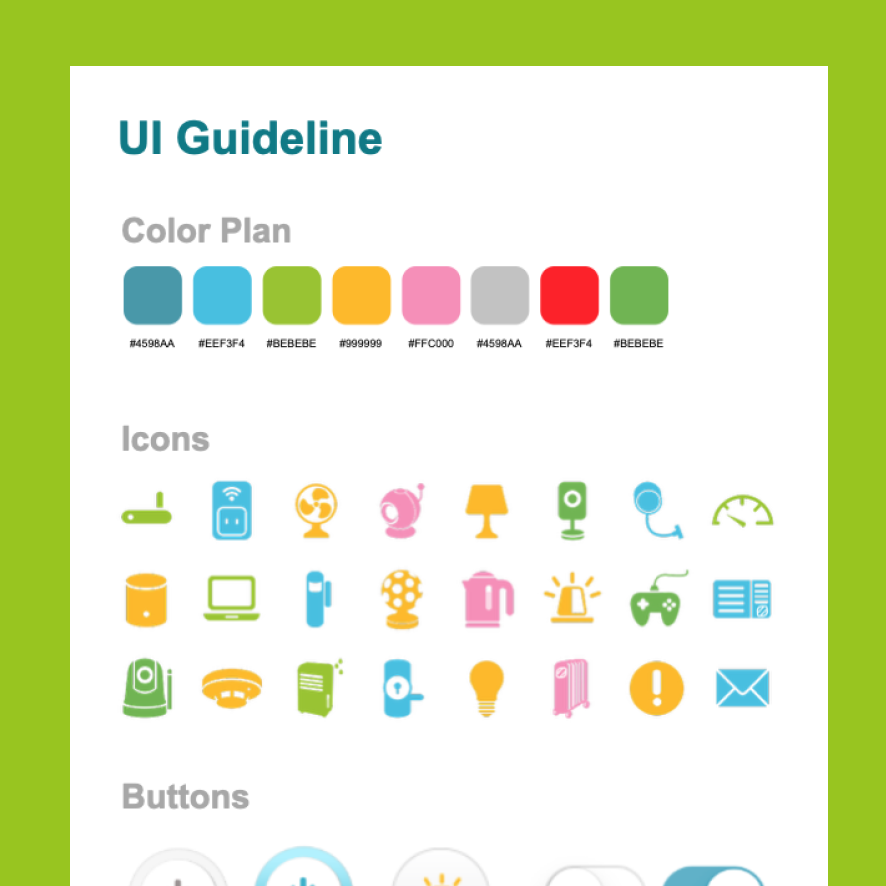
Design System Guidelines
I make a design system guide and let the designers in charge of apple watch/apple TV/marketing follow the guide
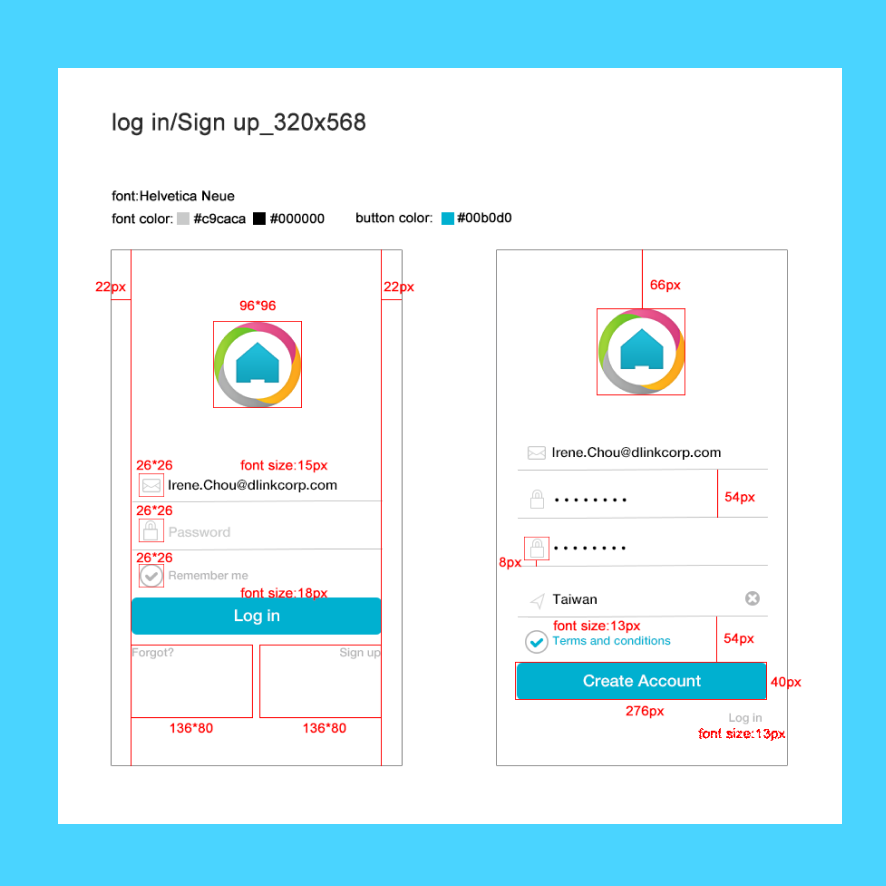
Design Hand off
I worked closly with engineers to validate the design and coply implemantation